Recently, I wrote a tool to trace Claude Code. Why? Because the it is very opaque to me: I can’t tell how or why it makes certain decisions (tool calls, edits, thinking, etc.). From the outside, everything happens behind a spinner:
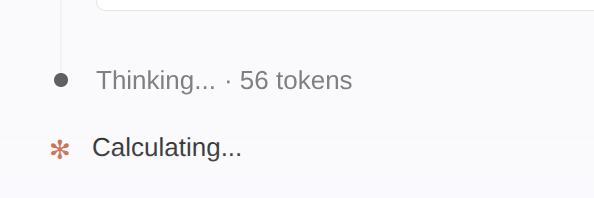 All you see between your prompt and the answer.
Unfortunately, Claude Code usually doesn’t show you the reasoning trace or the actions that happen between the user turn and the assistant turn. So I wrote a small tool to understand it better: ZeroTrace, a searchable ledger of every turn, tool call, and harness event across all your sessions.
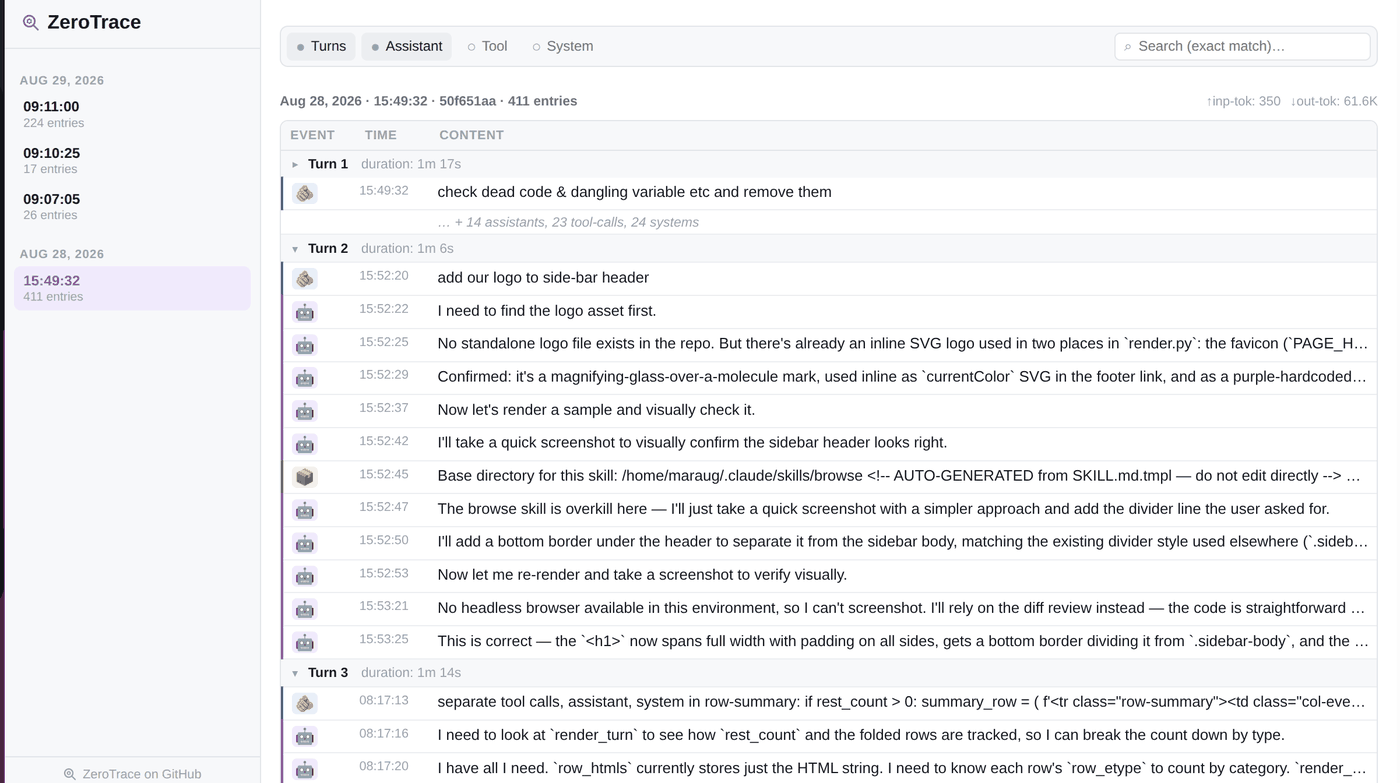 ZeroTrace: every turn and harness event in one place.
It shows how Claude Code handles the current time, skills, instructions, user prompts, assistant turns, subagents, and so on, which gave me a much better picture of how the model behaves. Some of this may already be obvious to you, but here is what I found interesting.
What gets attached to every turn
After every user turn, the harness attaches several extra blocks to the request (e.g.
total_tokens_reminder, prompt_snapshot, environment, summary_hook). Each one has a
specific job.
total_tokens_reminder tells the model how many tokens it has left:
| |
prompt_snapshot is the system prompt that guides the model. It’s long, so I put the full
version in a gist. That
snapshot was captured from Claude Code 2.1.292 running Claude Sonnet 5.5, and the system prompt
changes between releases, so yours may look different.
Instructions are the contents of the CLAUDE.md file in your project root. They aren’t
pasted in raw: they’re wrapped in a <system-reminder> block that tells the model they take
precedence over its default behavior:
| |
summary_hook generates a brief summary of the conversation so far.
environment describes where the session runs (working directory, OS, shell, git repo,
scratchpad, etc.):
| |
Current date: the model has no clock, so the date gets injected:
| |
Model identity: the model is told who it is and when its knowledge stops:
| |
These are only some of the blocks; there are more.
What the IDE adds to your prompt
When you use Claude Code inside an IDE (VS Code, in my case), the code you’ve selected is sent along with your request. My actual prompt was just:
overrides is not pythonic. implement it in better way
But this is what Claude Code actually sent:
| |
The selection shows up twice: once wrapped in an <ide_selection> tag with the file path and
line range, and once inline before the prompt. The closing line, “This may or may not be related
to the current task”, leaves it to the model to decide whether the selection matters.
Fast classifiers
Claude Code also runs several fast classifiers that route your request: to the planner, to an agent, or to a flag. They don’t show up in the trace, so I can’t capture them directly, but their effects are obvious: the same harness handles a quick question, a multi-step plan, and a delegated subagent task very differently.